

How to Use AI to Create Mood Boards in Minutes — Not Hours
The mood board used to be one of the most time-consuming parts of the early design process. Hours of searching Pinterest, saving references, pulling together imagery that captured a direction, then assembling it into something a client could actually react to.
That process hasn't disappeared — but AI has changed how long it takes. Dramatically.
Designers who know how to work with AI generation tools are producing their first concept imagery within minutes of finishing a client brief. Not polished, final deliverables — but fast, directional concepts that help clients react, respond, and clarify before you've committed to hours of refinement.
The catch: the output is only as good as what you put in. Most designers who feel like AI mood boards 'don't really work' are prompting vaguely and getting generic results. This guide teaches you to prompt specifically — and to build a workflow that actually saves you time.
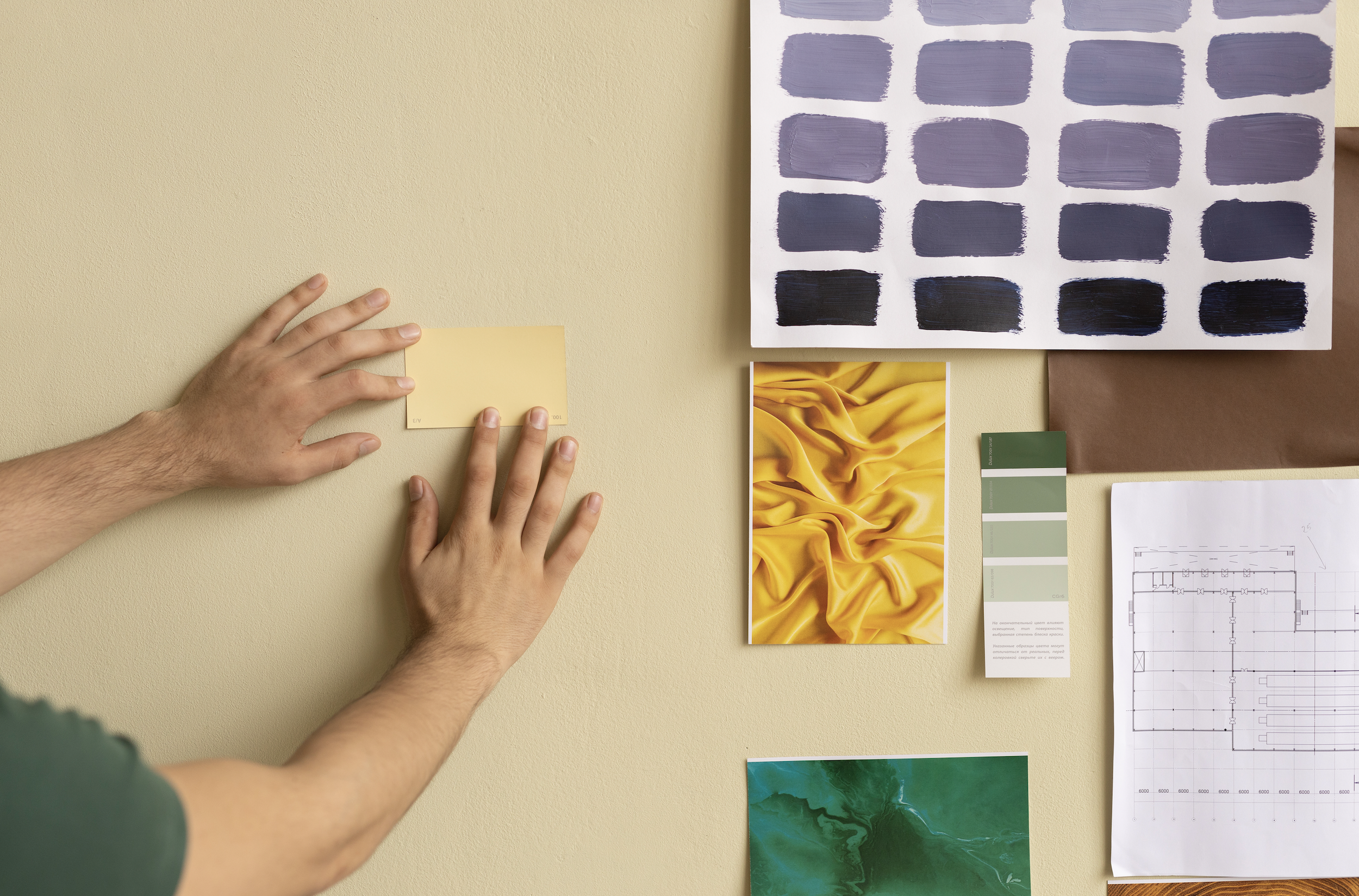
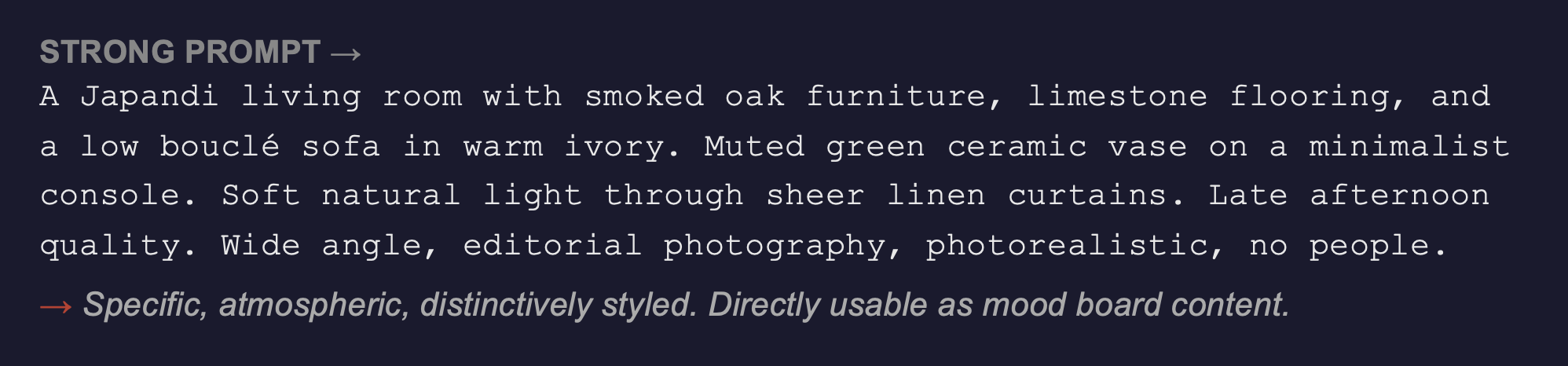
A vague prompt produces a vague mood board. The more specific your input, the more useful your output — every time.
What AI Can and Can't Do for Mood Boarding
Before the workflow, a clear-eyed view of what you're actually working with:
What AI does well
Generating atmospheric, style-consistent imagery from text descriptions — fast
Producing multiple directional options from a single brief so clients can react
Creating bespoke imagery that doesn't exist as a stock photo — custom room feels, unusual material combinations, specific lighting scenarios
Rapidly iterating on a direction — 'warmer,' 'more minimal,' 'darker palette' — without starting from scratch
Surfacing unexpected visual directions that a Google or Pinterest search wouldn't find
What AI doesn't do well (yet)
Rendering specific, real-world products accurately — you can describe a sofa style, not specify a B&B Italia piece
Producing dimensionally accurate room layouts — use it for atmosphere, not space planning
Generating precise material textures — marble veining, fabric weaves, tile grout lines at close range can look wrong
Replacing the curation instinct — AI generates; you still select, refine, and contextualise
AI generates options. You curate them. The designer's eye is still the most important element in the process — AI just gives it more to work with, faster.
The AI Mood Board Workflow: Step by Step
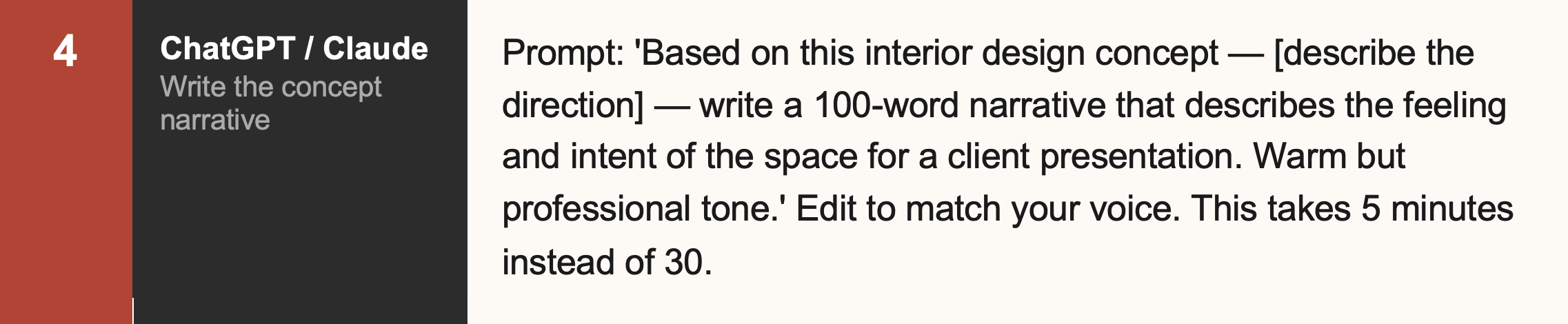
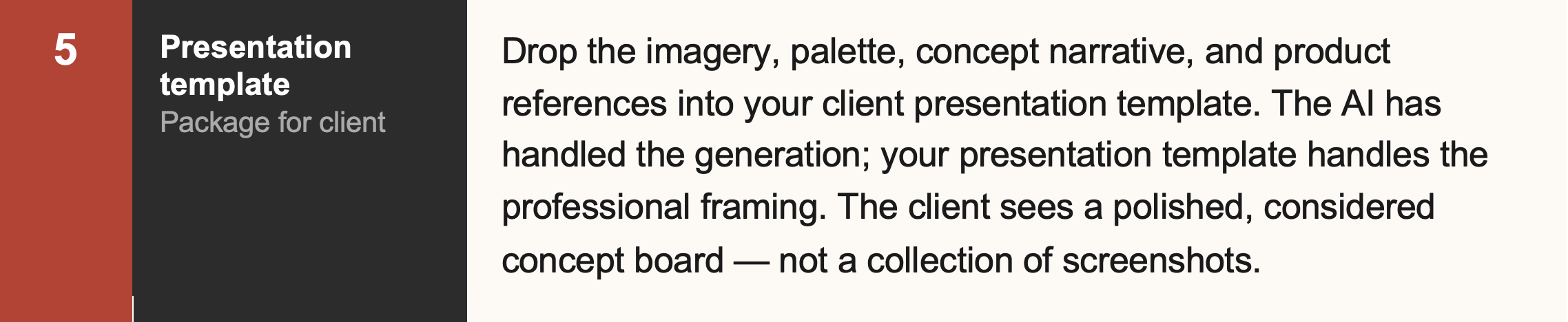
This is a practical workflow that combines AI generation with professional mood board assembly. It works for any design style or project type, and it scales from a quick 20-minute concept sketch to a fully polished client presentation.
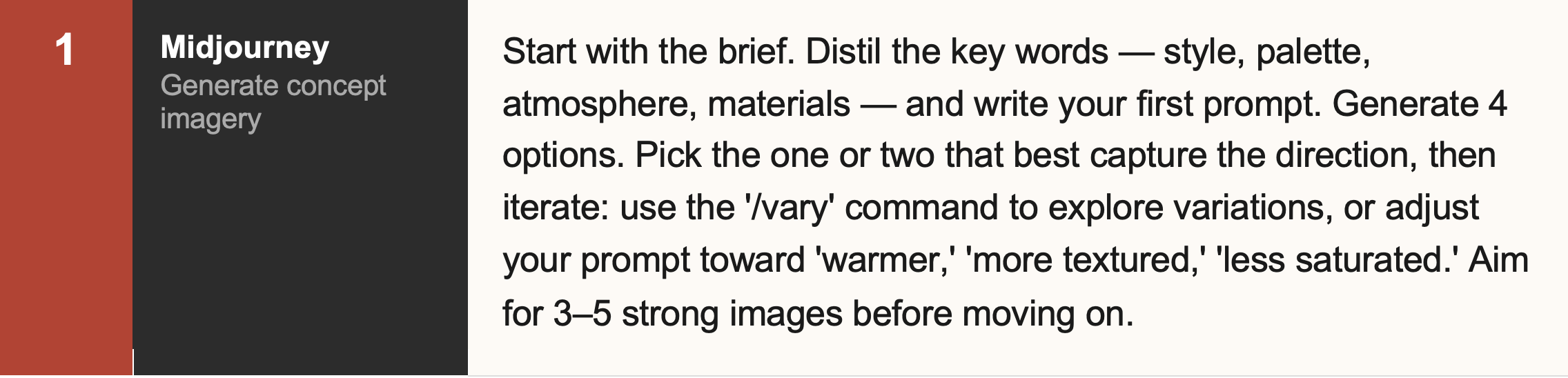
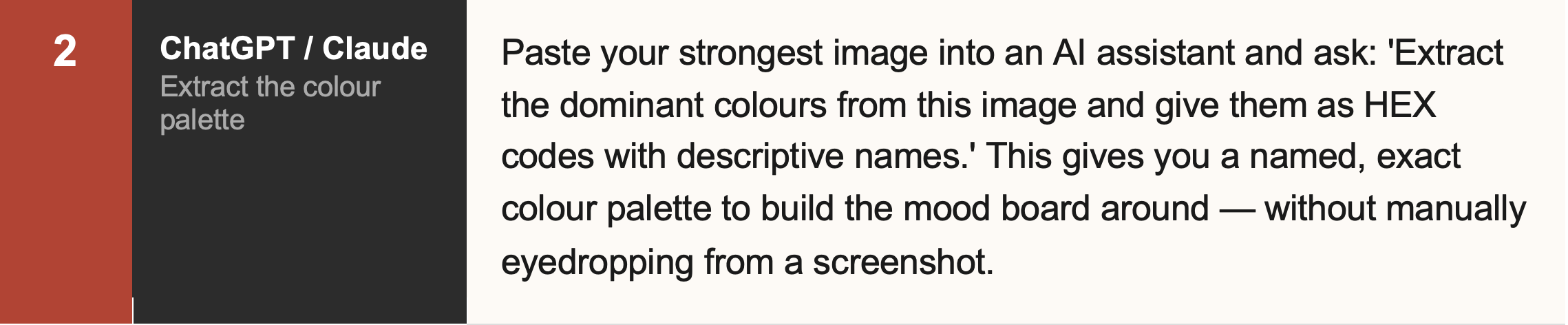
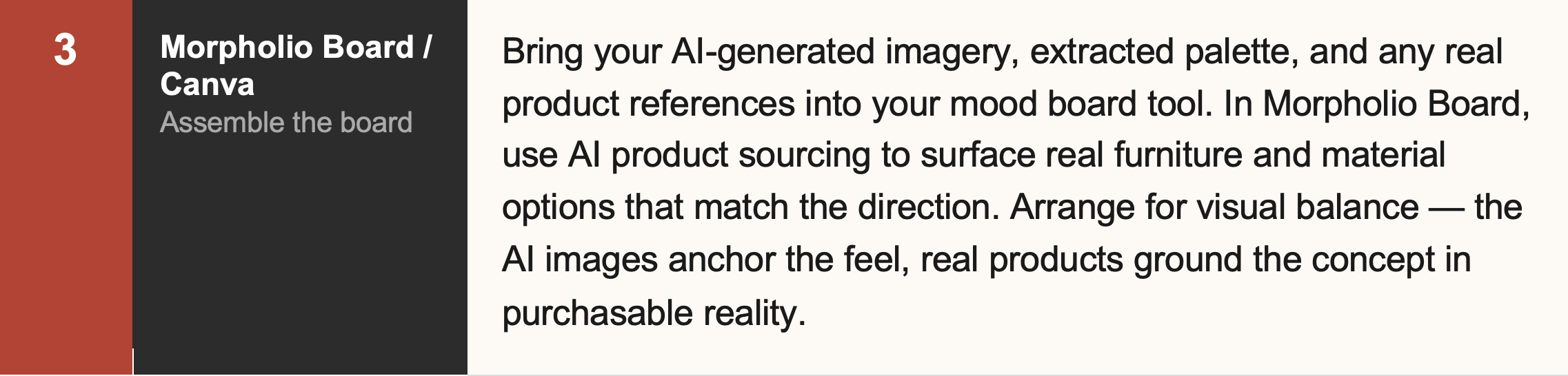
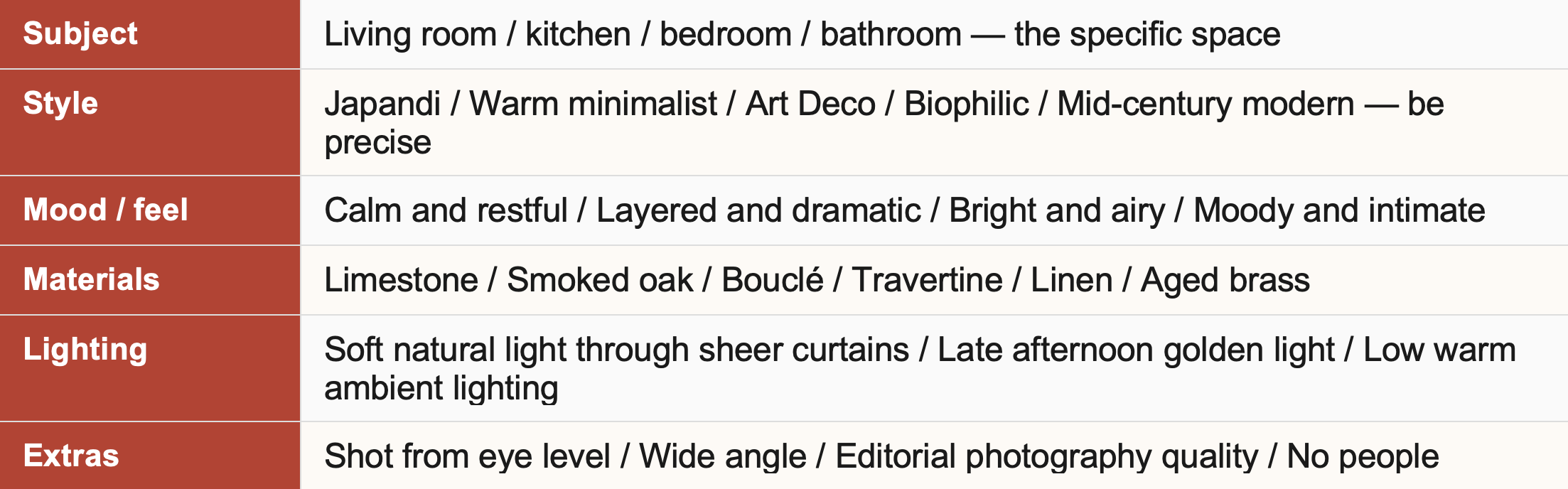
The Anatomy of a Great Interior Design Prompt
This is the part that most AI mood board guides skip entirely — and it's the part that makes the biggest difference to what you get back. A great prompt for interior design imagery has six components. Include all six and the output will be specific enough to be genuinely useful.
Here's what a complete, specific prompt looks like in practice — compared to the vague version most people start with:

🔁 The Iteration Loop
Never settle for your first output. After the first generation, identify what's right and what isn't — then refine the prompt to push in the right direction. 'More warmth in the light,' 'remove the fireplace,' 'add texture to the walls,' 'darker wood tones.' Each iteration takes seconds. Three or four rounds of refinement will get you somewhere worth using.
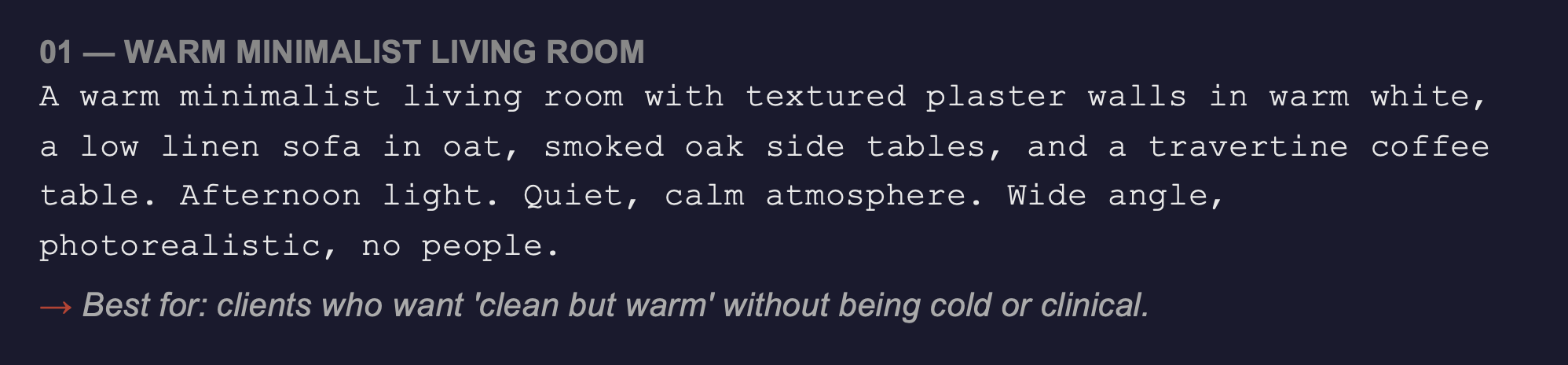
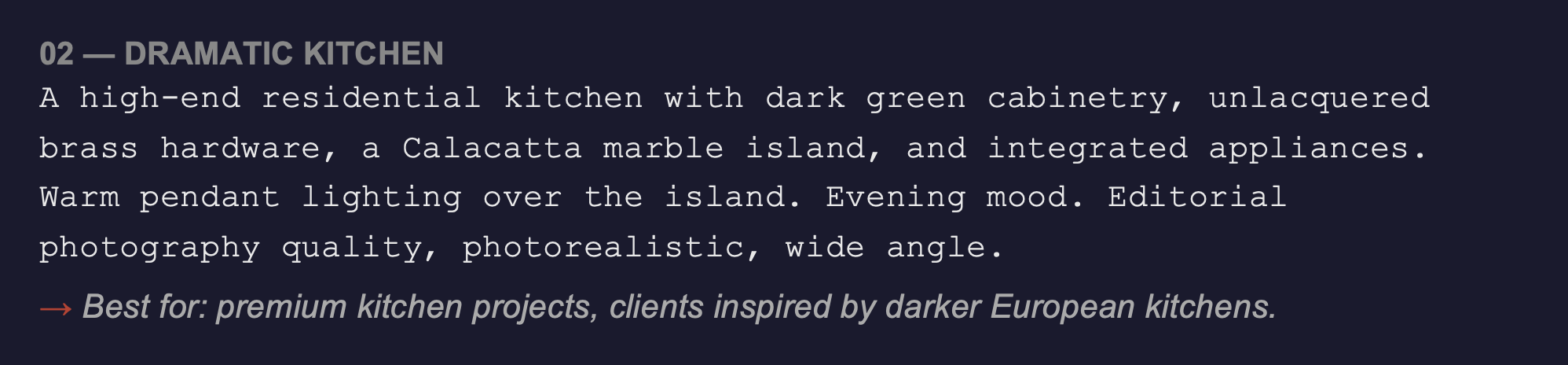
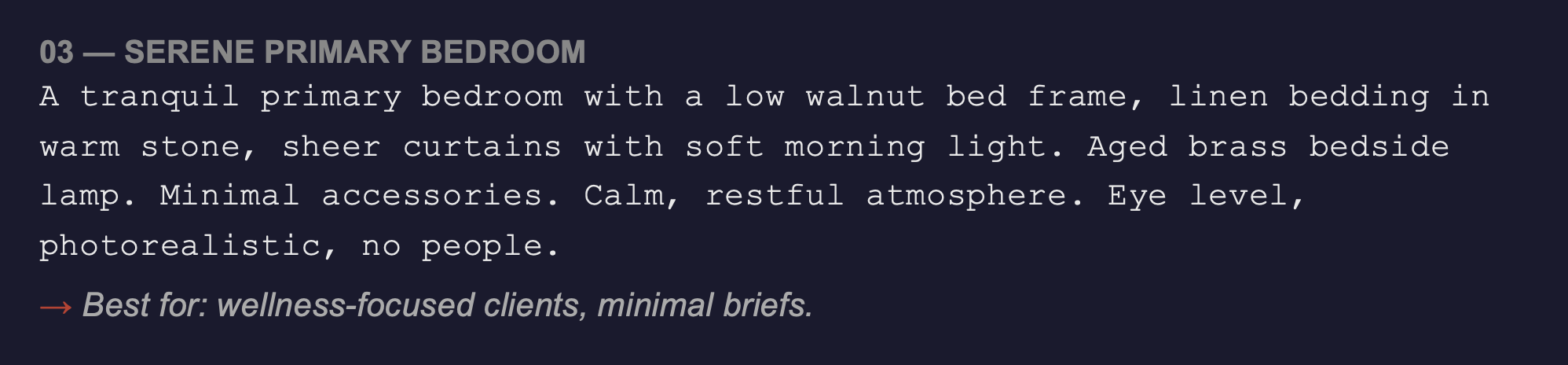
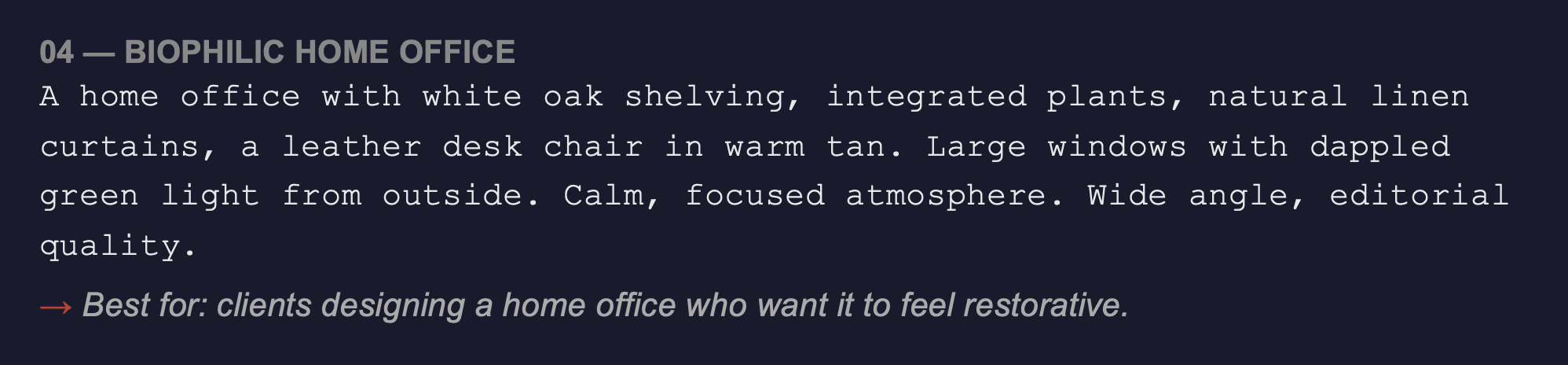
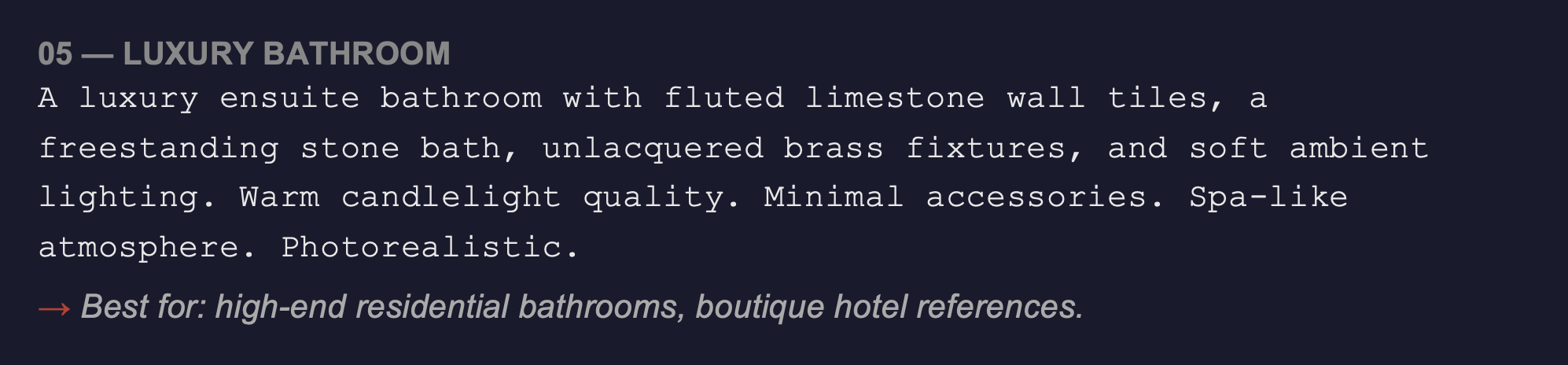
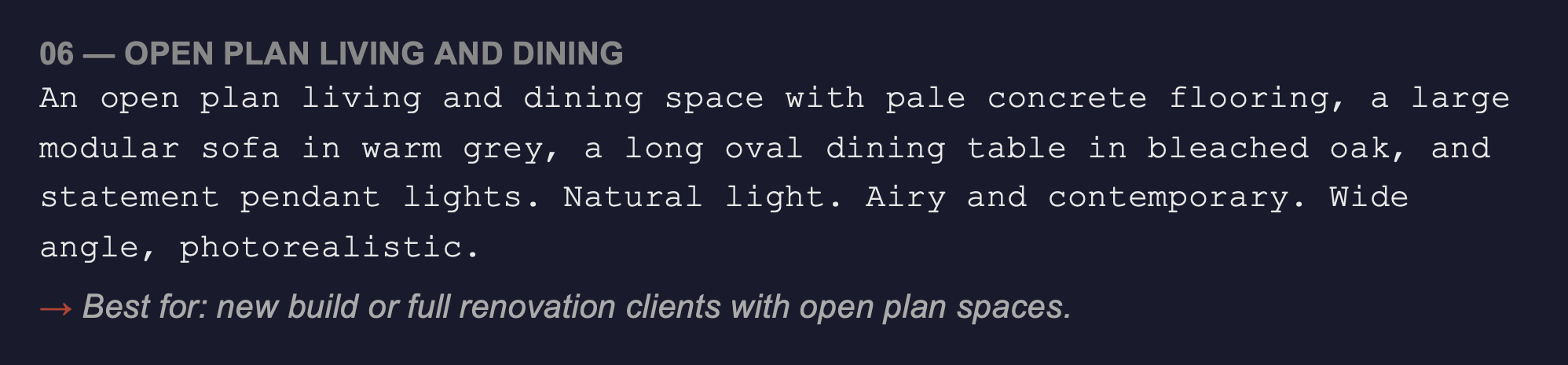
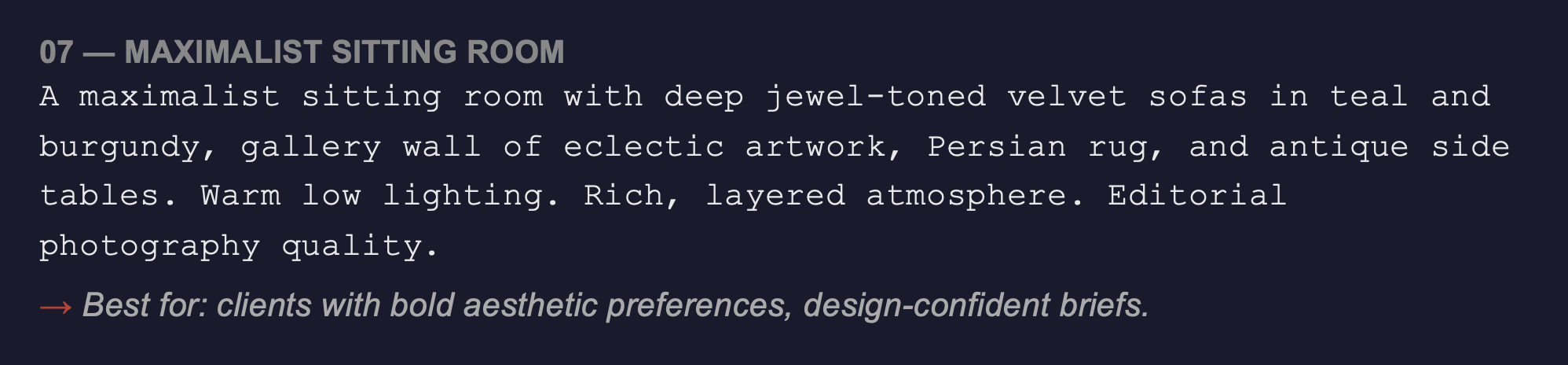
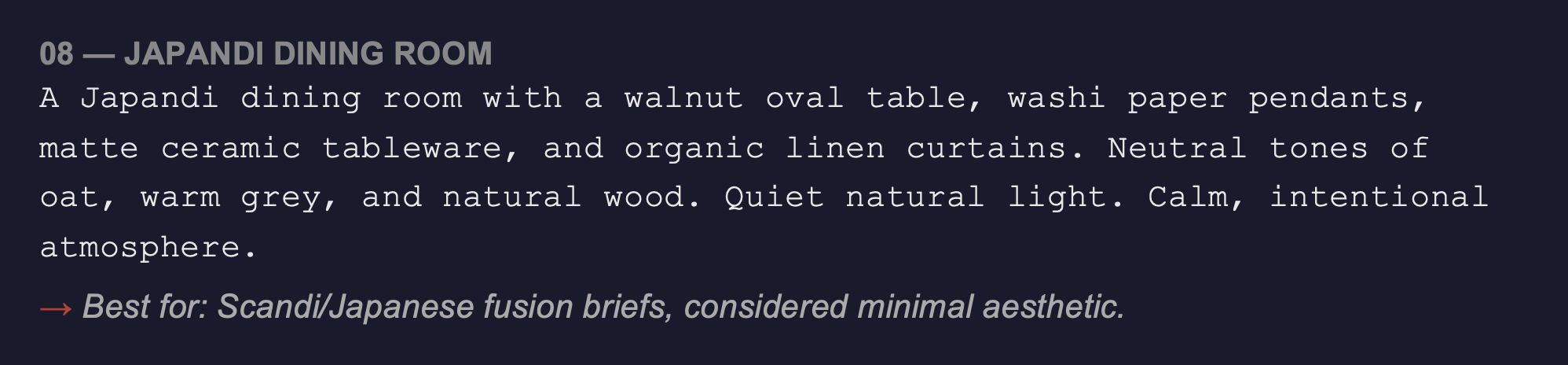
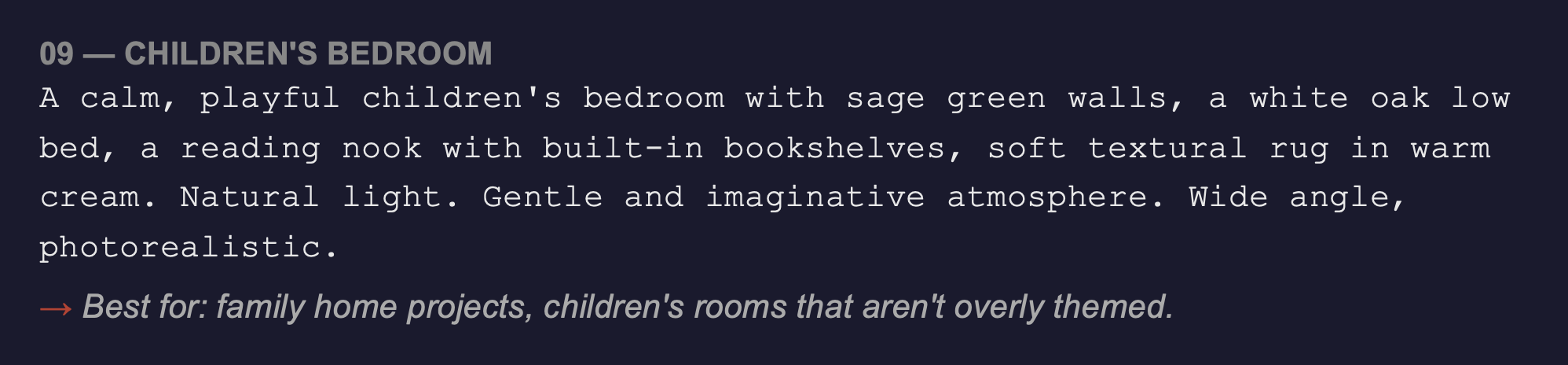
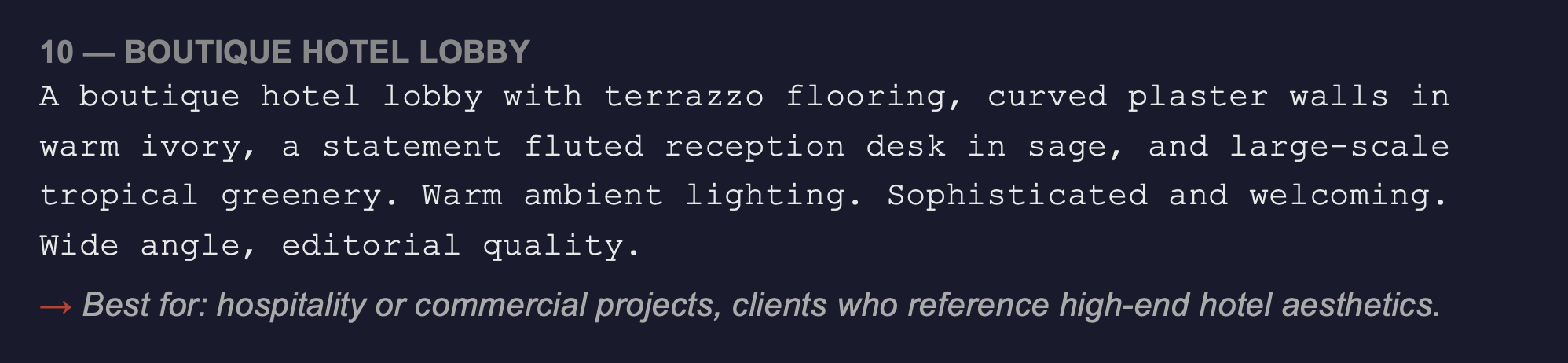
10 Ready-to-Use Prompt Starters
These are starting points — add your specific materials, palette, and client brief details to each one. Every prompt here produces a broadly usable concept image that you can refine further.
How to Present AI-Assisted Mood Boards to Clients
A question that comes up regularly: should you tell clients that AI was involved in generating the imagery?
There's no single right answer — but here's a useful framework. If the AI imagery is purely serving as concept direction — communicating a feel or atmosphere that you'll then realise through your actual design work — it's no different to using a reference image from a design publication. The image is a communication tool, not a deliverable.
Where transparency matters more is if clients might mistake AI-generated imagery for a direct visualisation of their specific space or actual products you've specified. In that case, a brief note — 'these are AI-generated concept images to establish the direction we're heading' — sets the right expectation.
💬 The Language That Works
Many designers simply say: 'I use AI generation tools to visualise directions quickly at the concept stage — these images communicate the atmosphere I'm proposing, which we'll then develop into actual specifications.' Most clients respond well to this — it signals that you're using current tools efficiently and that the real work of specification and delivery is still yours.
The Time Maths
Let's be concrete about the time saving this workflow actually represents:
Traditional mood board process: 3–5 hours of Pinterest searching, saving, curating, assembling, and writing
AI-assisted workflow: 30–60 minutes from brief to assembled board
Over the course of a year — if you produce a mood board for every new project — that's tens of hours returned to you. Hours you can spend on design work that requires your expertise. Or on fewer billable hours per project with the same output quality. Or simply on the rest of your life.
The point of AI in mood boarding isn't to make the work worse faster. It's to make the conceptual conversation with clients happen earlier — so the design thinking that follows is better informed.
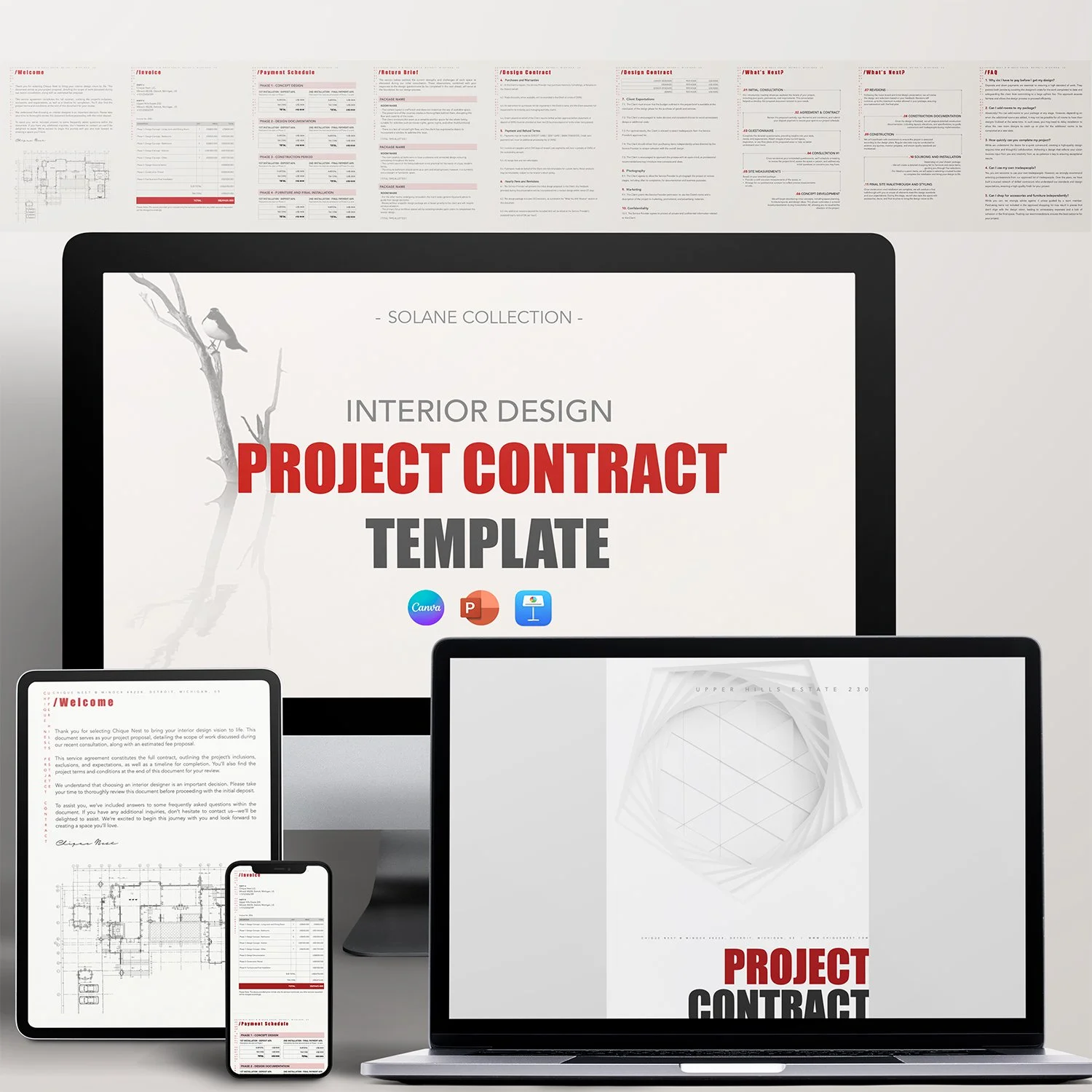
AI mood boards get clients excited. Professional presentation templates make sure that excitement converts into a signed proposal. Chique Nest's client presentation templates are built to showcase your concepts — AI-assisted or otherwise — in a way that reflects the quality of your work.

Stop sending clients a plain PDF and hoping it lands. The Chique Nest Project Proposal Template gives you a beautifully laid-out proposal that shares your inspiration, goals, requirements, mood board, and timeline — everything a client needs to say yes.
Tells the Full Design Story: From inspiration and design goals through to project requirements and mood board, clients see your thinking, not just your pricing.
Fully Customizable: Easily tailor fonts, colors, images, and layouts in Canva, PowerPoint, or Keynote to reflect your brand's unique identity.
Visual Project Timeline: A clean 5-phase timeline graphic so clients know exactly what to expect and when.
Past Work Built In: Dedicated "Our Works" pages with room to showcase real projects and client testimonials.
Save Time and Effort: Stop rebuilding a proposal deck from scratch for every new lead — just update the project details.
—— 📨 What’s Included in the download?
You’ll receive:
✅ 5 Files Total
• PDF with Download Link + Instruction Manual
• 1 Keynote Template
• 1 PowerPoint Template
• 1 Canva Template
• 1 PDF Example File by Chique Nest
✅ 17 Fully Editable Pages
—— 🖌️ What’s inside the template?
This comprehensive project proposal includes every section you need to pitch and win a new project:
✔️ Welcome
✔️ Finding Inspiration
✔️ Design Goals
✔️ Project Requirements
✔️ Mood Board
✔️ Project Timeline
✔️ Terms
✔️ Design Process
✔️ Next Steps
✔️ Our Works
✔️ Meet Our Team
✔️ Contact Us
—— 📂 File Format & Compatibility:
Available in Widescreen (16:9) format, this template is compatible with:
✔️ Canva (requires a free Canva account)
✔️ PowerPoint
✔️ Keynote
All elements are fully customizable, including fonts, text, images, and branding.